Is Your Backup Actually Recoverable? What a Restore Test Should Prove
A finished backup job is not proof of recovery. A backup restore test checks whether a file, mailbox, server, or application can come back before an emergency.

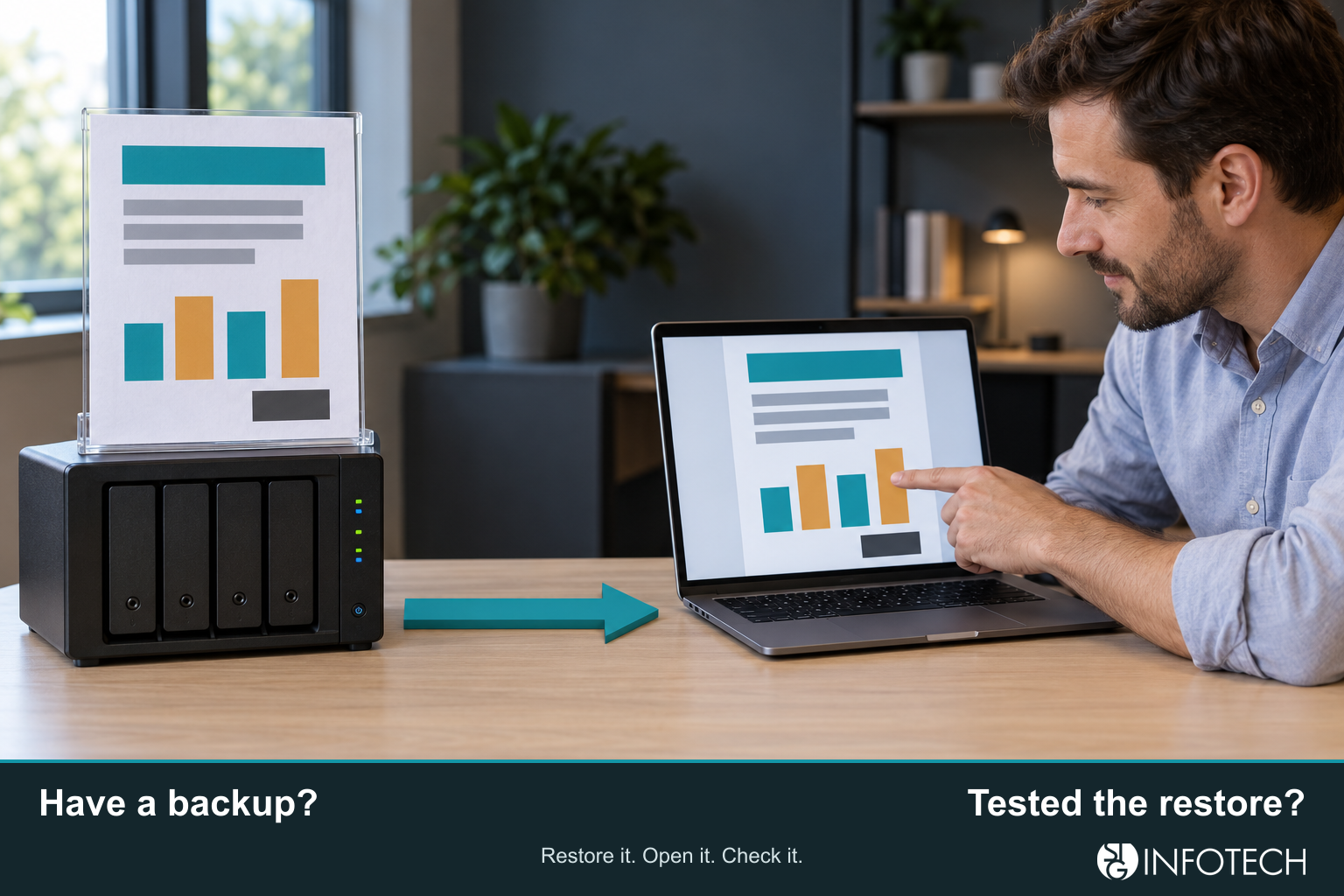
If you want to know how to test business backups, start with a real recovery before an emergency. Take a real copy, restore it somewhere that is not production, and check that the file, mailbox, server, or application is usable. A job that finished is not that proof. Protection is not the same as recovery.
A backup is the copy: retention, encryption, storage, monitoring, and restore points. Recovery is the work running again. Backup and recovery is the difference between those two, not a second name for the same job report.
A successful backup job is not a usable recovery
The job report answers whether a copy ran. It does not answer whether anyone can use what came back. The copy can be incomplete. The key can be missing. The file can refuse to open. The server can boot and then wait on a database the test never included.
CISA’s ransomware guide tells organizations to keep offline, encrypted backups of critical data and to regularly test the availability and integrity of those backups in a disaster recovery scenario. The test is the recommendation. The success email is not a substitute for it.
Microsoft 365 is the same split in a place most offices already pay for. The subscription keeps Exchange Online running.
It does not, by itself, give you a mailbox you can roll back to a chosen hour. Deleted Items and Recoverable Items can restore individual deleted messages, inside a limited window. Microsoft’s Exchange documentation puts the default deleted-item retention at 14 days, and an admin can raise it to 30. That is a real undo for a message or a folder.
It does not prove that the whole mailbox, or an application that depends on it, can be recovered to a point in time. A retention hold keeps mail for a rule. It is not that rollback either.
Microsoft 365 Backup, where someone has turned it on, is the separate product built for point-in-time restore, and it still needs a test. The shorter walk-through is Microsoft 365 Backup: Does It Cover Email?.
How to test business backups: what the recovery should prove
Match the test to what the business would miss. Passing one type does not pass the others.
File
Restore a file the business uses to a separate folder, not over the live copy. Open it in the program that normally opens it. It should be the expected version, complete, and openable by the person who uses it. A zero-byte file, or a file only an administrator can see, has not passed.
Mailbox
Restore one mailbox, or a known set of messages, to a separate folder or a test mailbox. Do not replace the live mailbox. Dates and senders should match the recovery point, and an ordinary account should be able to read the mail. A count of restored items is not reading them. A successful undelete of one message, from Deleted Items or Recoverable Items, is not this test.
Server
Ask whether the machine can come back, not only whether its files copied. Restore a data volume, or rebuild onto isolated hardware or a virtual machine that is not on the production network. The pass is a boot, the expected services, and a logon. An image that will not start has failed, even if the job was green.
Application
This is the test owners usually mean. Someone who uses the system finds a record, opens an invoice, or runs the report the office actually runs. If that action needs a license server, a database, and a role, the test includes those pieces or it says, in the record, that it did not.
Recovery point, recovery time, and the clock you actually ran
Two targets decide whether a restore was good enough. They are planning numbers for that system. They are not a promise that every incident will match them.
A recovery point objective is the point in time to which data must be recovered after an outage. NIST, in SP 800-34 Rev. 1, defines it that way. In the office, that point is the limit of acceptable data loss. If the business can lose a day of work in a shared folder, yesterday’s copy can be the target. If it cannot lose the morning’s orders, a copy from last night is already too old. The backup has to run at least as often as that limit. A weekly job cannot meet a four-hour recovery point.
A recovery time objective is the target time to restore a usable business function. NIST defines it as the length of time a system’s components can stay in recovery before that harms the mission or the business. Usable means the person who does the work can do it. A server that has booted, while the application on it is still down, has not met an application recovery time.
Measure what you observed against those targets. For the recovery point, write the age of the copy you actually used. For the recovery time, the clock that matters to the business starts when the outage is noticed, not when someone clicks Restore. Include the time to decide, the time to reach the console and the key, the time spent waiting on dependencies, and the time until a business user confirms the work. If the exercise starts the clock later, write down the intervals that were simulated or left out. A number that begins at the click understates the downtime the business would feel.
A miss is not a pass. Change the design, change the target with the person who owns the business outcome, or leave the gap open. Calling it a pass hands the miss to the next emergency.
Keep the test off production
A restore that overwrites the live share, mailbox, or server is a production change. Use a separate folder, a test mailbox, or an isolated machine that cannot reach production identity, file shares, or the live application. Read the destination before you start. When you finish, remove or isolate the lab copy so nobody treats it as the live record.
Say which recovery points you tried. A representative point for a normal failure, and an older retained version when the scenario is “the recent copies are bad.” Compare each point with the recovery-point target. Do not treat the newest green job as the only point worth proving.
A lab restore proves that this copy could come back in that lab. It does not prove the office network, the circuit, or a vendor region will be up on the day. Write that limit in the record, next to the result, not as a reason to skip the test.
Integrity, access, keys, and the order things return
Three checks belong with the restore. Integrity: it is the copy you selected, and it opens. Use a checksum where the product offers one. A matching hash and a file that will not open is still a failure. Access: the account that does the work can reach it, not only the backup administrator. Then a business check. Someone who knows the work confirms it is the right drawing set, the right mailbox, or the right invoice.
Recovery order is not alphabetical. Identity often has to return before a file server is useful. The database often has to return before the application. A license service, a VPN, or a vendor portal can sit on the path. Name the order the test used, and the dependencies it left out.
The backup console, the storage account, the encryption key, and a break-glass login need to be reachable by more than one person, and kept where the same incident cannot wipe them. A test from an already open laptop does not prove the after-hours path. A second person should be able to start the documented restore without a password pasted into chat. The record says where the secret is kept, who may use it, and whether that person could reach it. It does not contain the password, the key, or a recovery code. A missing key, a console password known to one person, or a dependency that was never backed up is a failed test.
What the provider should be able to hand you
If someone else runs the backups, you should be able to see the last test without asking for a story. CISA’s guide says to require that of a third party, including in the contract.
Ask for a timestamped record: when it started and finished, who ran it, what was in scope, and what was not. Which system, which recovery point, and how old that point was. Where it landed, and confirmation that production was not overwritten. Who checked integrity, access, and the business result. The observed time next to the recovery-time target, with any excluded intervals named. The age of the data next to the recovery-point target. Dependencies used and left out. Whether the backup login and the key were reachable, without the secrets written down. Pass or fail. A failure names the owner, the fix, the retest, and the open risk.
A green job from last night is not this record. Neither is the sentence “backups were tested.”
How often, and what that word covers
Testing the job alerts and testing a restore are different work. Alerts belong with daily operations. Someone should see a failed job, a missed job, or a copy that cannot be read the day it happens. Waiting for the next restore exercise to discover a broken job is how a four-hour recovery point quietly becomes last night’s copy.
A restore exercise is the separate proof that a copy comes back usable. How often depends on the damage if you are wrong. This cadence is an illustration, not a rule for every system and not a description of every agreement.
- A system the business stops without, whatever it is, gets a restore exercise at least quarterly, and again after a backup-product change, a key change, or a move to a new host.
- A system the business can run without for longer can sit on a yearly exercise, unless a change gives you a reason to run it sooner.
- Mail is not automatically in that second group. If the office lives in email, the mailbox exercise belongs with the critical set, on the critical cadence.
Pick the interval from the impact. Then write it down, and run the exercise you wrote down.
A successful restore can still miss the target
This is a hypothetical, not a client story. It is here to show the measurement.
A firm sets a four-hour recovery point and an eight-hour recovery time for its billing application. The backup jobs have been mostly green. In a planned exercise they declare a simulated outage at 8:00 a.m. They do not add extra time for an unnoticed outage, and they write that detection delay down as excluded.
The second person who can reach the console is in a meeting. Finding that person and the encryption key takes until 9:30. That 90 minutes counts. The database then restores to an isolated server. The files are intact, the service starts, and the restore job itself reports success at 1:30 p.m. Four hours of restore, done.
The application still will not open an invoice. The license server was never in the backup. Rebuilding it takes until 4:30. A billing clerk confirms an invoice at 4:45 p.m.
From the declared outage to usable billing is 8 hours 45 minutes. The recovery-time target was 8 hours. The restore succeeded. The target was missed, because access and a dependency sat outside the “job succeeded” timer.
The copy they used was from 1:00 a.m. A 5:00 a.m. job had failed, and nobody was watching the alert, so 1:00 a.m. was the newest intact point. At 8:00 a.m. that copy was already 7 hours old. The recovery point allowed 4 hours of data loss. The restore worked and still missed it.
They also did not restore an older retained version. If the last two days of copies had been the ones they could not trust, this exercise would not have told them whether Friday’s point still opens. That limit belongs in the record.
The result is a failed test, not a partial pass. The backup owner is named the same day. The fixes are specific: the failed-job alert has to reach a person the day it fires, the license server has to be in the recovery plan, and the retest has to include the billing application plus an older retained point. The risk stays open until that retest passes the same scope. If the retest date slips, it goes to the person who accepted the eight-hour target, not into a folder of green jobs.
When a test fails
Name an owner the same day. The owner is a person, not a department label and not a vendor logo.
Write the miss in the terms the business can use: the file would not open, the mail could not be read, the image would not boot, the key was missing, the recovery point was too old, or the usable function came back after the target. Fix that specific miss, set a retest, and do not close the item on a promise. Escalate if a critical system misses the retest, or if only one person can perform the fix. Record the open risk where the business already tracks operational risks. The test stays failed until a later test passes the same scope.
How to test business backups: start with the last test you can find
Look for the last restore test, not the last green job. If you cannot find one, that is the gap. Pick one system the business would stop without. Restore it off production. Write the recovery point you used, the clock you ran, the intervals you left out, and whether a person who does the work could use the result.
If email is part of the question, separate a deleted-item undo from a mailbox restore before you answer it. Microsoft 365 Backup: Does It Cover Email? is the short version of that split.
If you want a second look at the last test, the gaps it exposed, and what the current agreement actually covers, start with backup and recovery. Bring the last record, or the fact that there isn’t one.